Shrimp farm software: four kinds and how to choose
Spreadsheet, field app, sensor dashboard or production platform: what each kind of shrimp farm software solves, and what to test in a demo.
5 min read
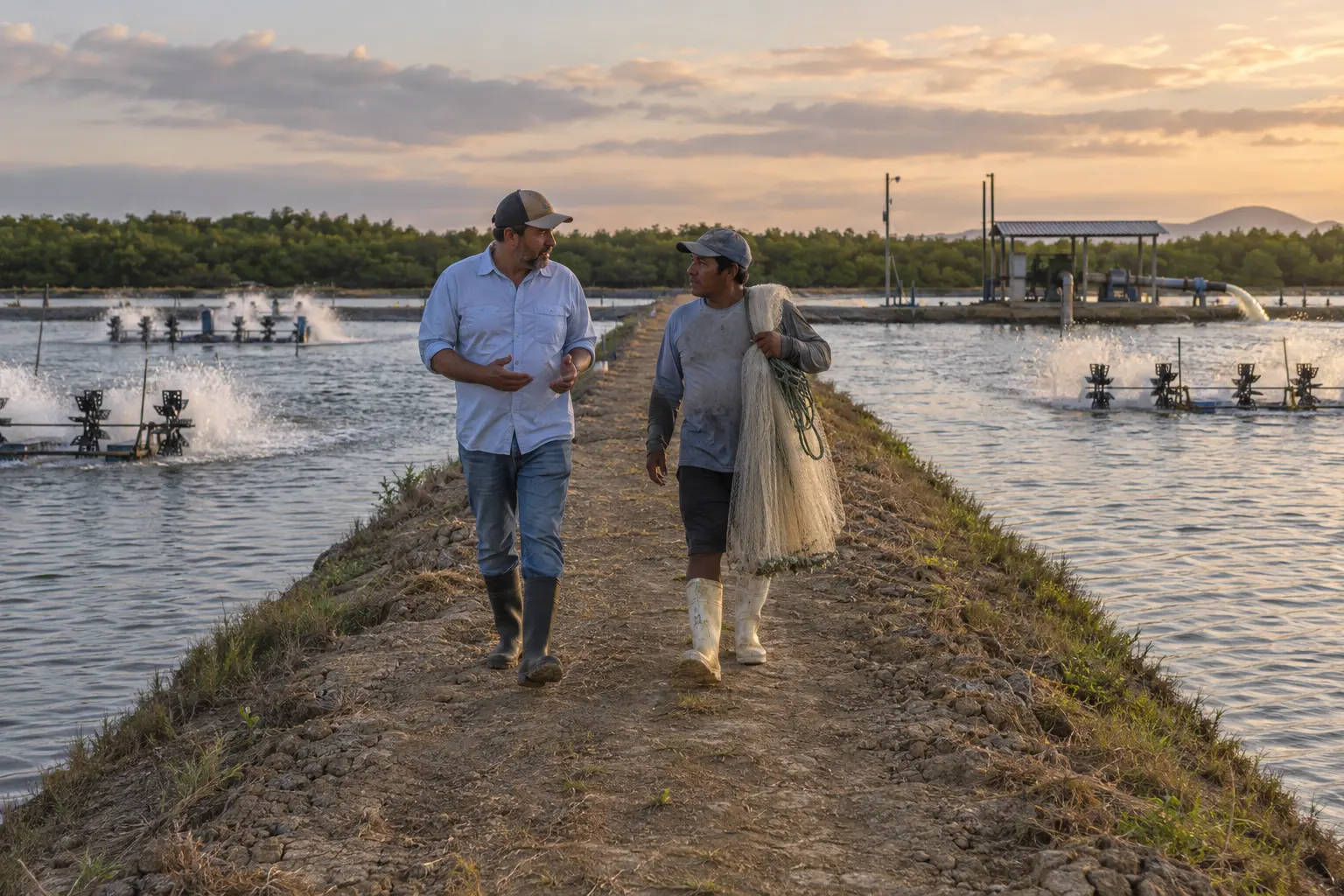
A shrimp farm looking for software runs into four kinds of tool sold with the same words: control, records, monitoring, management. They do not solve the same problem. Choosing well starts with knowing what the software has to hold, and which of the four kinds actually holds it.
What shrimp farm software has to solve
The working unit of a shrimp farm is the pond, and each pond runs its own cycle. Each has its own stocking date, its own population, its own feed curve and its own water. What the farm needs is a record per pond, per day, that answers three questions without reconstruction: how much shrimp is in the water, how much was actually fed, and what the water did in the meantime.
Everything else comes from there. Biomass comes from stocking, survival and the latest sampling. Feed conversion comes from biomass and the feed delivered. The harvest forecast comes from growth. If those three live in different places, every number on the farm depends on someone putting them together by hand.
Kind one: the spreadsheet
It is free, it is flexible and everyone in the office can use it, which is why nearly every shrimp farm starts there. Its limits are structural rather than a matter of discipline: the workbook is a copy of the farm updated by hand, a tab per pond hides the farm view, and formulas drift without anyone auditing them. They are covered in detail in where the spreadsheet breaks in shrimp production control.
A spreadsheet is a good analysis tool. As the system of record for a farm with many ponds, it leaves reconciliation for the harvest, which is the worst moment to do it.
Kind two: the single-task field app
These are phone apps built to capture one thing well at the pond edge: feeding, a weight sampling or a water reading. They solve the transcription problem, because the data is entered where it happens rather than that night in the office.
The limit shows when the app captures one part of the record and the rest stays somewhere else. If feeding is in the app while stocking, mortality and harvest stay in the workbook, the work of joining the pieces does not disappear. It moves. Before choosing one, ask what happens to the data after it is captured and where feed conversion is calculated.
Kind three: the monitoring dashboard
Sensor dashboards show the water in real time: dissolved oxygen, temperature, pH, sometimes the state of the aerators. For a shrimp farm, overnight oxygen is the reading that matters most, and a dashboard that alerts at three in the morning has obvious value.
What a dashboard does not know is which shrimp are in the pond. It knows the water, not the population. When mortality follows a night of low oxygen, someone has to line up the dashboard curve with the stocking and feeding record from another system to understand what happened and what it cost. A dashboard complements the production record. It does not replace it.
Kind four: the production platform
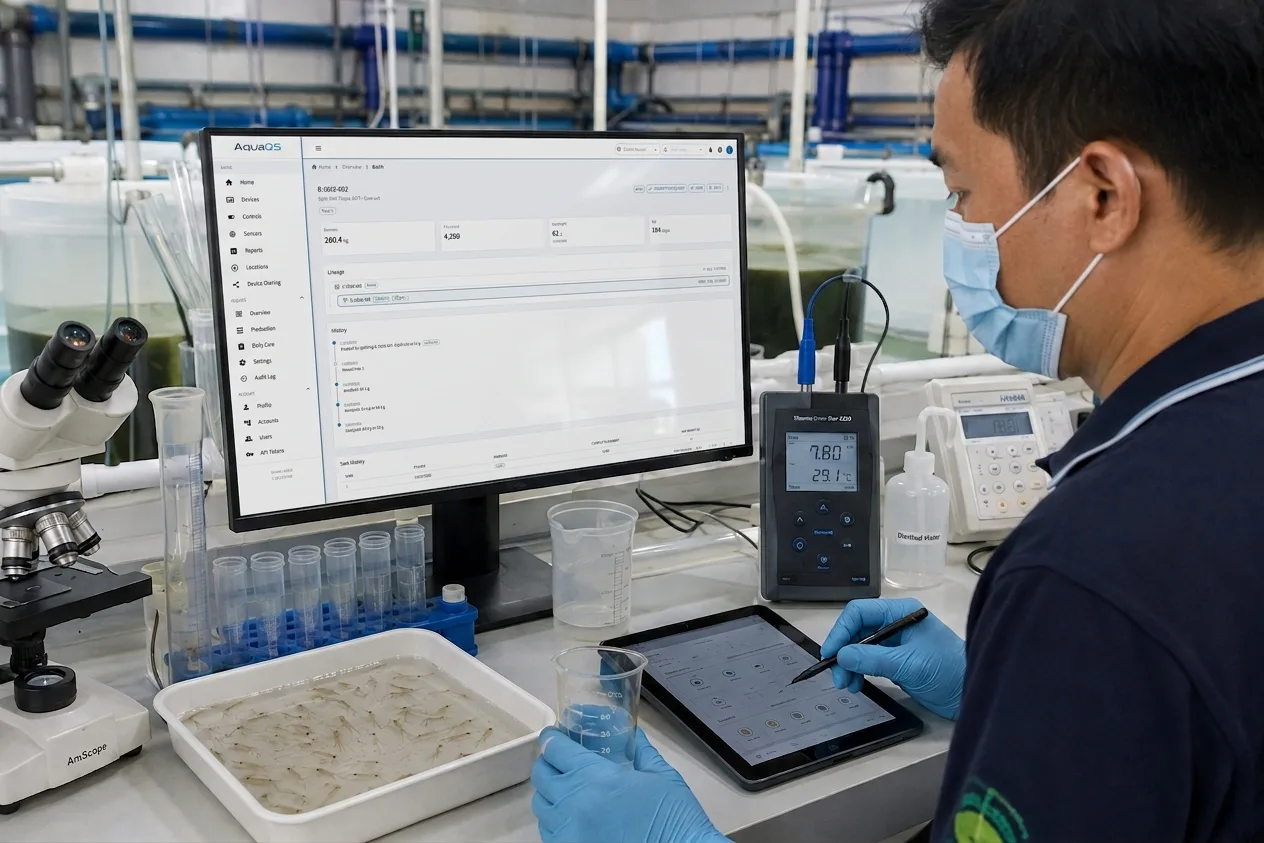
A production platform keeps the complete record per pond: stocking, planned and confirmed feeding, samplings, mortality, water quality and harvest, in one history. The farm’s numbers come out of that record instead of being assembled separately.
This is the category AquaOS belongs to, so it is worth saying what that means concretely. In AquaOS for shrimp farms every pond is its own cycle. The daily feeding plan comes from the farm’s own feed table and the current biomass, and the crew confirms what was actually delivered, including the days a pond was not fed. Each sampling updates the biomass and the next day’s ration, and sensor readings are bound to the pond they were taken in, alongside the population that was there. The per-pond report exports to Excel or PDF, so the office keeps the format it knows.
What to test in the demo
Any vendor can describe these features. What separates the four kinds is what can be shown with numbers on screen. Ask for these tests live:
- One pond’s history. Open a pond and walk its cycle from stocking: feeding, samplings, mortality, water. If seeing it means opening two systems, you already know which kind it is.
- A not-fed day. Record a day the pond was not fed and see whether the system keeps it as such or treats it as missing data. Whether feed conversion measures the shrimp or the plan depends on it.
- A new sampling. Enter an average weight and watch the biomass and the next day’s ration change at that moment, not at the end of the week.
- The night and the morning. Ask for last night’s dissolved oxygen next to today’s mortality, in the same pond and on the same screen.
- The report a buyer asks for. Export one pond’s history to Excel or PDF and check that it reads without explanation.
The aquaculture software buyer guide develops the questions that separate the categories in more depth.
Where to start
There is no need to move the whole farm or install sensors on day one. The lowest-risk path is to start the manual record on a few ponds, run one full cycle against the usual workbook, and compare the harvest with what the system said was in the water. If it reconciles, the workbook is redundant. Sensors join the same pond record later, once the farm decides where continuous monitoring pays.
To size the stocking of the pilot ponds, the stocking density calculator gives the number of postlarvae to order and the load each pond will carry at harvest.