Fish grading and sorting software
Grading software runs a sorting day as a tracked session: stock out of the source units, into size classes, and placed again, with counts reconciled before the session closes. Sorting moves tens of thousands of animals through a machine in a few hours and redistributes them across units. It is the single most destructive event for a paper record. AquaOS runs it as a live session that has to reconcile against the source before it closes.
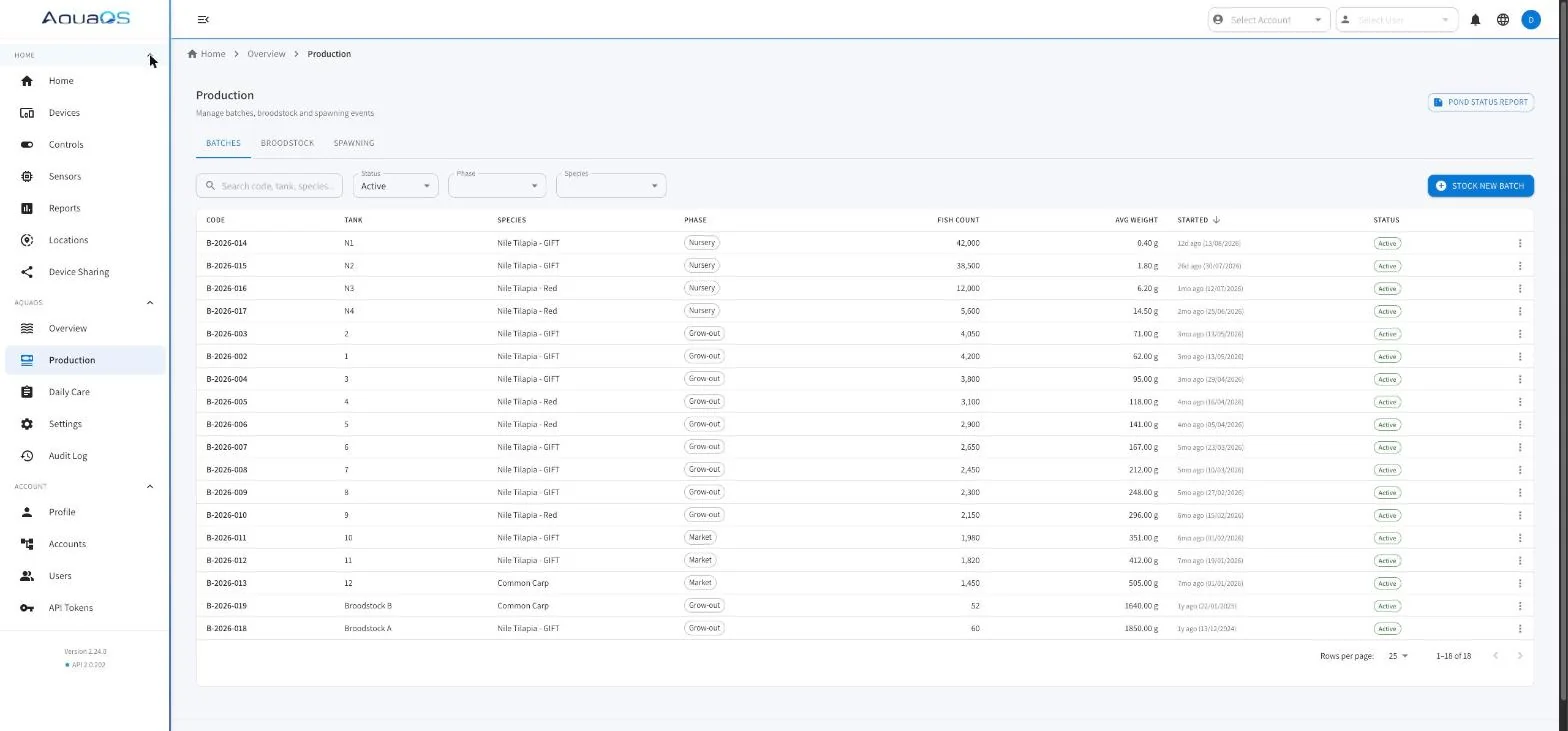
- Sorting stations defined per site
- Multiple source units per session
- Size classes placed independently
- Reconciliation before close
How a sort works in AquaOS
Sorting stations
Grading equipment is defined as a station at a location.
A session runs at a station, which is what lets the platform know where the stock physically is while it is out of its unit and in the machine.
Source selection with residuals
Pull from one source unit or several.
Take everything from a unit, or leave a residual count behind. The residual stays as a live placement in the source, so a partially emptied pond does not disappear from the record.
The live pool
While the session runs, the fish taken from the sources form a pool held by the session rather than by any unit.
This is the honest representation of a grading day: for a few hours the stock genuinely is not in a pond.
Size classes out
Each grade coming off the machine is placed into a destination unit with its own count and average weight.
Classes can go to different units, be co-mingled with stock already there, or start a new batch.
Reconciliation
Before the session closes, what came out is compared against what went in.
Discrepancies are surfaced and have to be resolved or explained, so a sort cannot quietly lose or invent stock.
Session record
A closed sort stays as a read-only record: sources, classes, counts, weights, and destinations.
It appears in the lineage of every batch that came out of it and on the per-pond report for every unit involved.
Running a sort
-
Start
Pick the sorting station and the source units. Choose to take everything or leave a residual behind in each source.
-
Grade
Size classes come off the machine. Each is entered with a count and an average weight as it is produced.
-
Place
Each class is placed into a destination unit, joining existing stock or starting a new batch there.
-
Reconcile and close
Totals out are checked against totals in. Once the session balances or the difference is explained, it closes and becomes part of the permanent record.
What a tracked sort prevents
No post-grading inventory drift
The classic failure is a grading day that leaves every affected pond with a stock figure nobody trusts for the next month. Reconciliation at close is what stops it.
Size classes stay traceable
Each class carries a lineage link to the batch it was graded from, so a market-size lot can be traced back through the sort to its origin.
Feed rations stay correct
Rations are calculated per unit from biomass. After a sort, every affected unit has a new biomass immediately, so the next morning plan is right rather than approximately right.
Related capabilities
Production tracking
The batch and placement model that makes partial moves representable.
Hatchery management software
Why grading dominates the hatchery week, and how the platform is shaped around it.
Reporting and traceability
Where sort events appear on the per-pond report and in the audit trail.
Frequently asked questions
Can a sort pull from more than one pond at once?
Yes. A session can take from several source units, either emptying them or leaving a residual count in each. The pool is graded together and the resulting size classes are placed independently.
What if the counts do not balance at the end?
The discrepancy is surfaced before the session can close and has to be resolved or explained. That is the point of the reconciliation step. A sort that silently balances itself is a sort that has hidden an error in the stock figures.
Can a graded class go into a pond that already has fish?
Yes. A class can be co-mingled with existing stock in the destination unit. Both batches keep their own identity, count, and average weight while sharing the unit.
Is the sorting record kept after the session ends?
Yes. A closed sort is a permanent read-only record of sources, classes, counts, weights, and destinations. It appears in the lineage of the batches it produced and on the per-pond report for every unit involved.
See AquaOS on your operation
Bring a real production scenario. AquaOS is walked through on your operation, not a canned dataset.